Generate from the prompt box
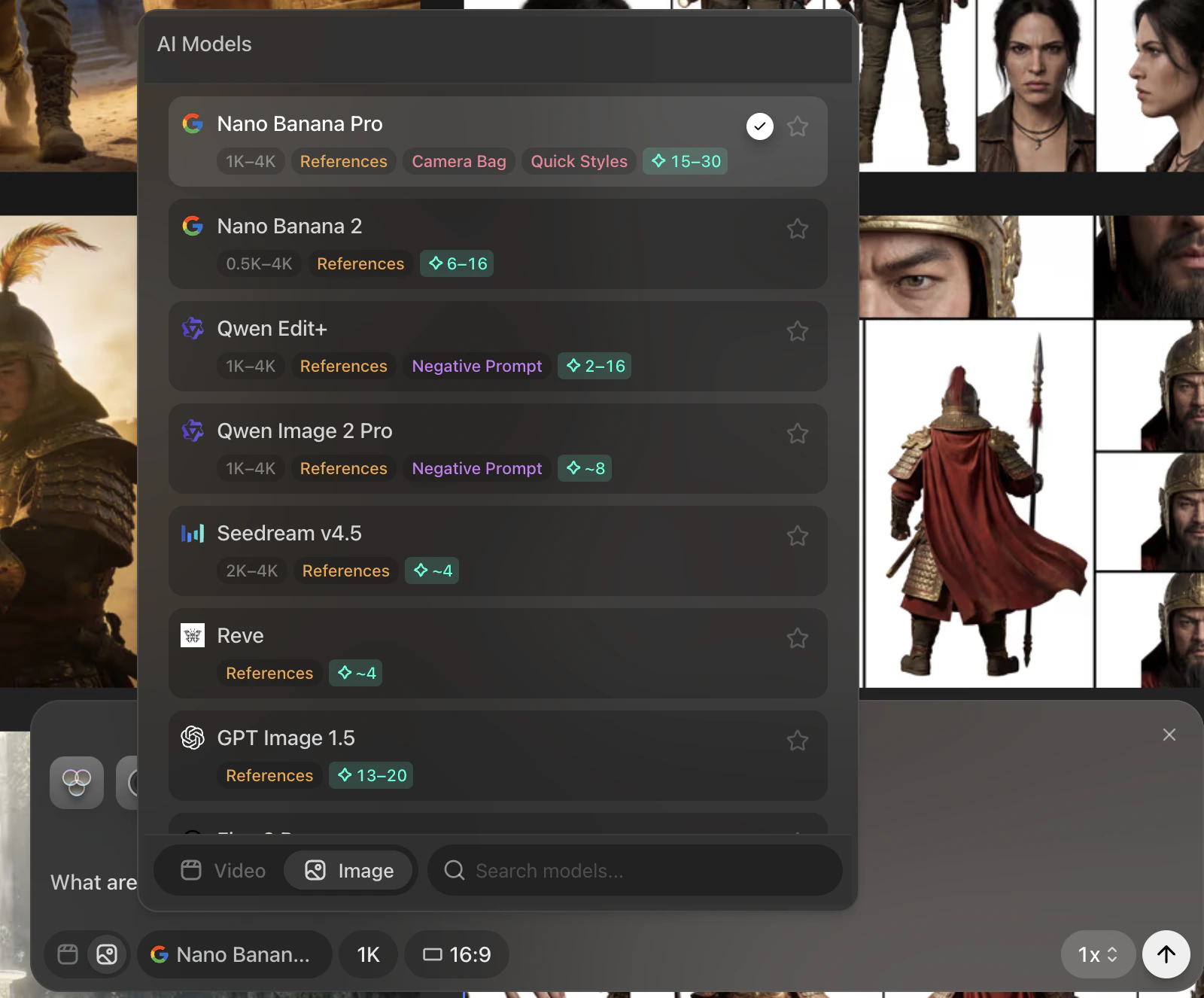
Use the prompt box at the bottom of the canvas to create image takes. This is where you write prompts, choose a model, set the output resolution and aspect ratio, and decide how many images to generate.
Hover over the generate button before running a job. Preview shows the credit cost for the current settings.
Set the generation controls
For image generation, the original workflow centers on:
- Prompt text
- Model choice
- Resolution
- Aspect ratio
- Number of outputs
Preview shows model capabilities and cost per generation in the model menu, cost to generate varies depending on resolution and number of outputs
Image generation connects to several adjacent workflows that now have their own pages:
Continue to Scene timeline when you are ready to turn generated images into structured shots.
Check out Model Introduction to learn more about unique features of the different image and video models