

What the canvas is for
The canvas is where you generate images and videos, arrange ideas, and collaborate with other people in real time. Each scene has its own canvas, so you can keep ideation tied to the part of the story you are building.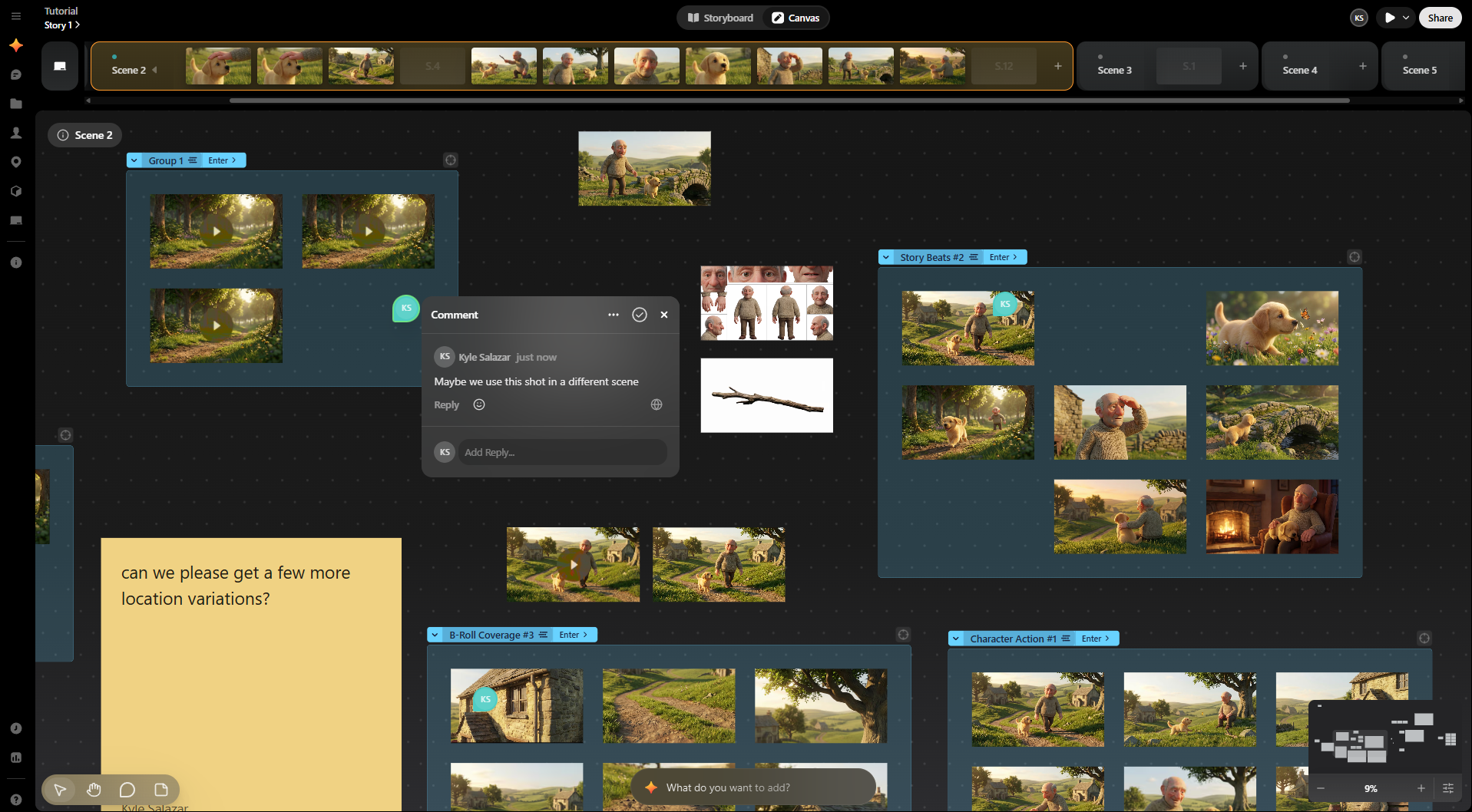
Key parts of the canvas
-
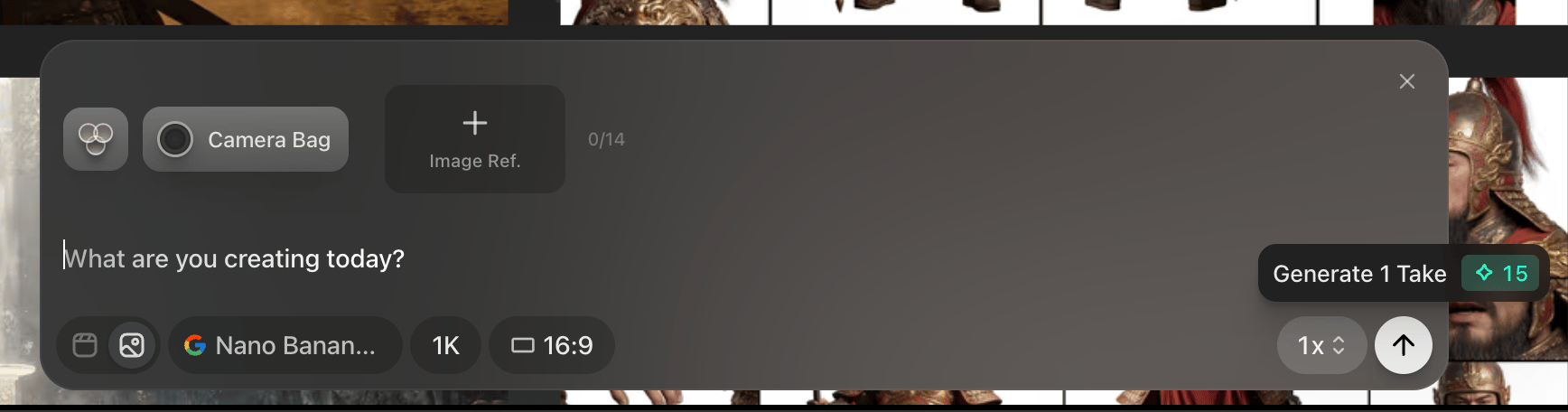
At the bottom center of the canvas is the prompt box, use this to generate images and videos.
-
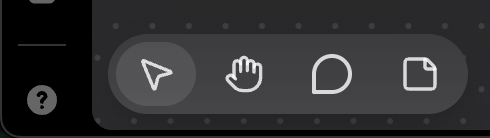
Use the toolbar in the bottom left corner to add sticky notes and comments.
-
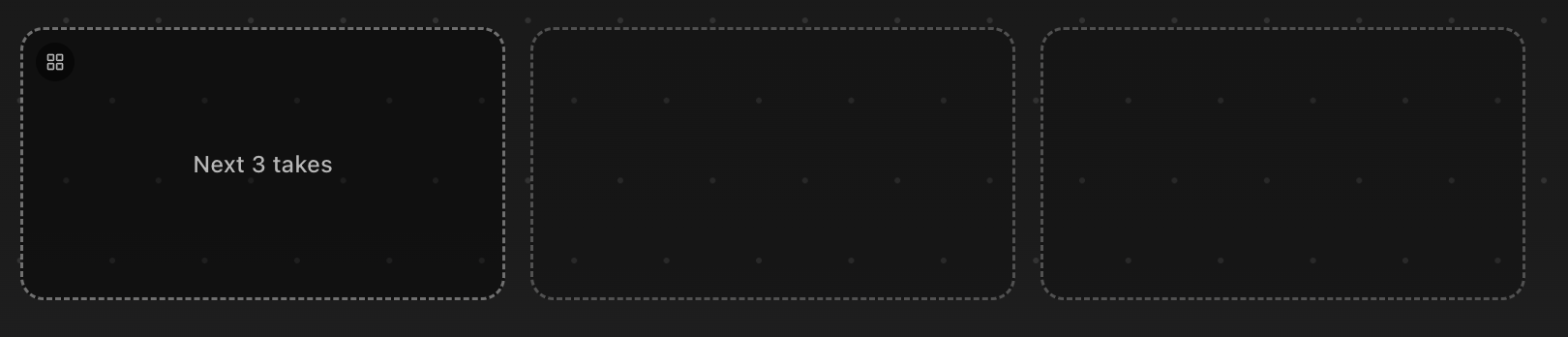
Next Take box shows you where the next generated take will appear.
-
Use the comments sidebar to review discussion history.
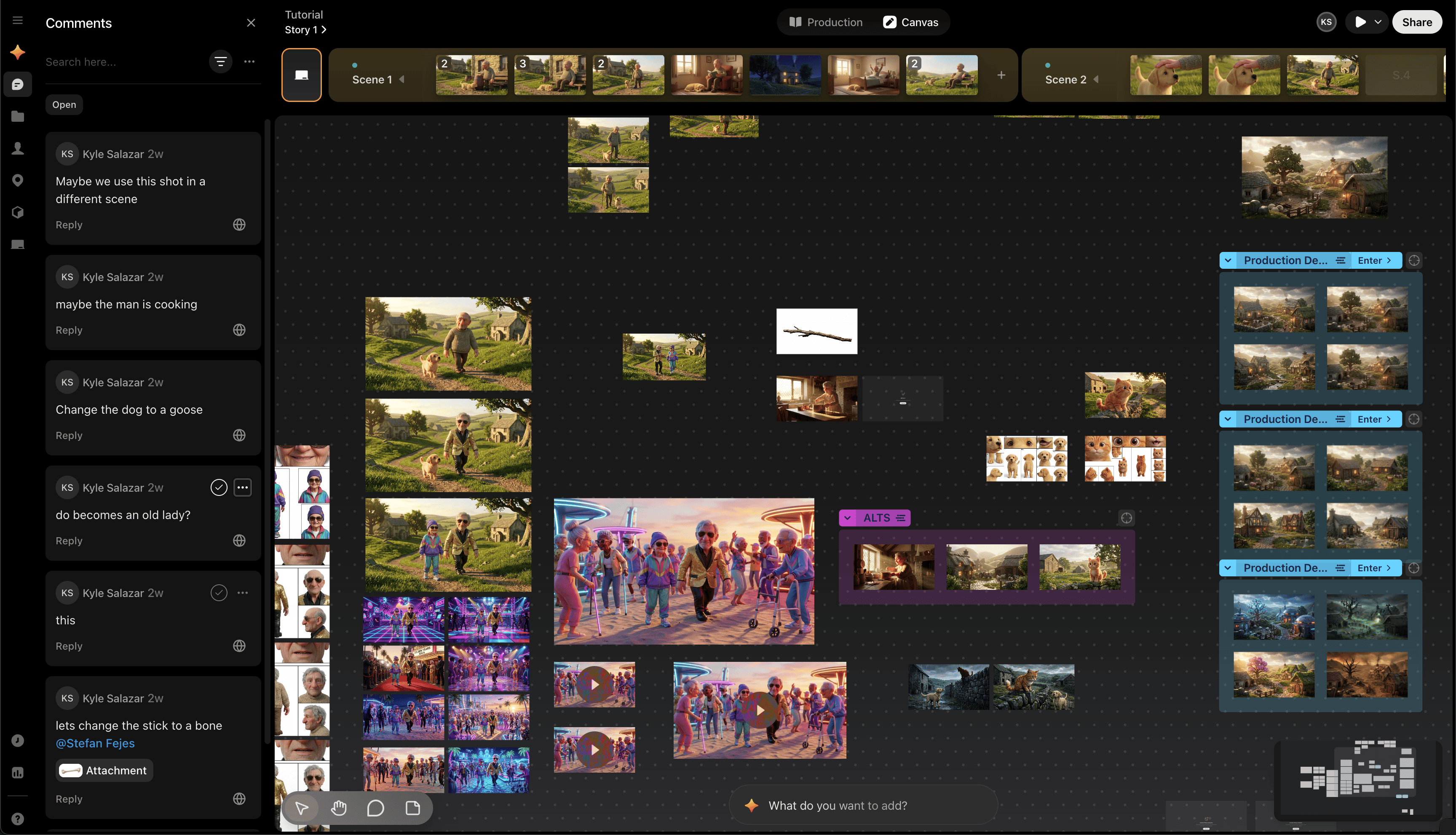
-
Use the minimap in the lower-right corner to control zoom and jump around large canvases.
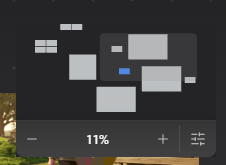
-
You can also change the canvas view options here.
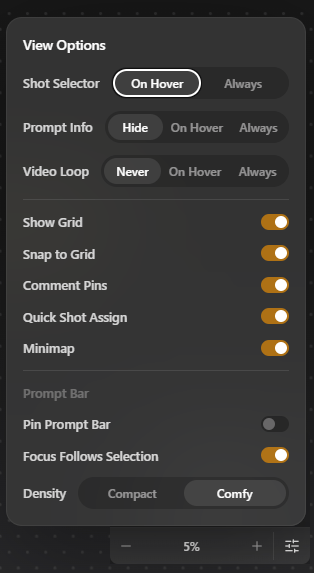
-
The History Sidebar shows you all images that have ever been created or imported, you can filter this view by users and other categories.
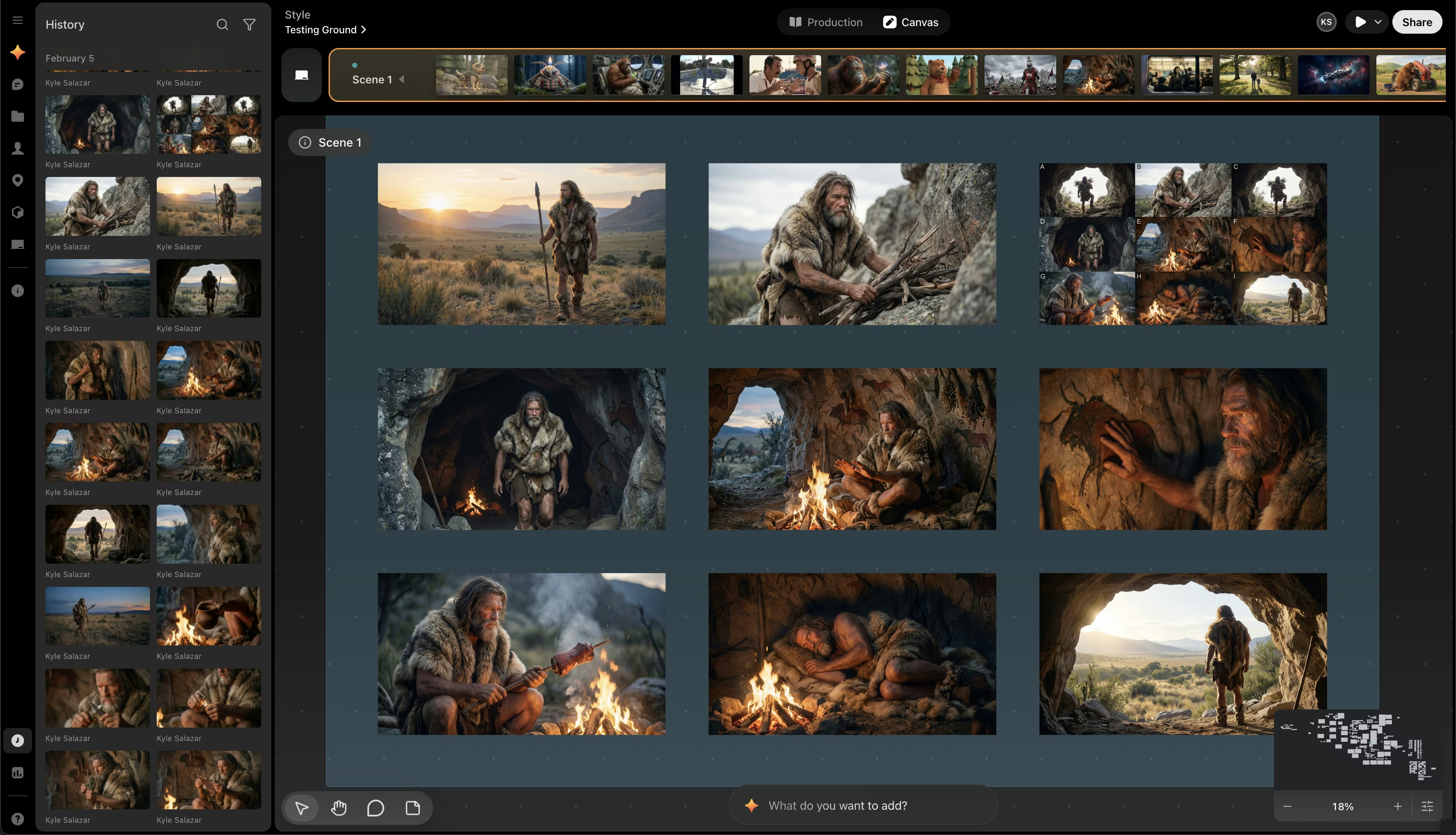
- If you ever delete an image from canvas, you can drag that image back from history onto the canvas to restore it. If you delete a SCENE that contains images, the images from that scene will no longer be accessible from the History bar.
-
At the top of the canvas is the Scene Timeline, each scene has its own canvas. You can assign images and videos from the canvas to shots in scenes. On the far left of this timeline is the Moodboard where you can ideate new concepts.
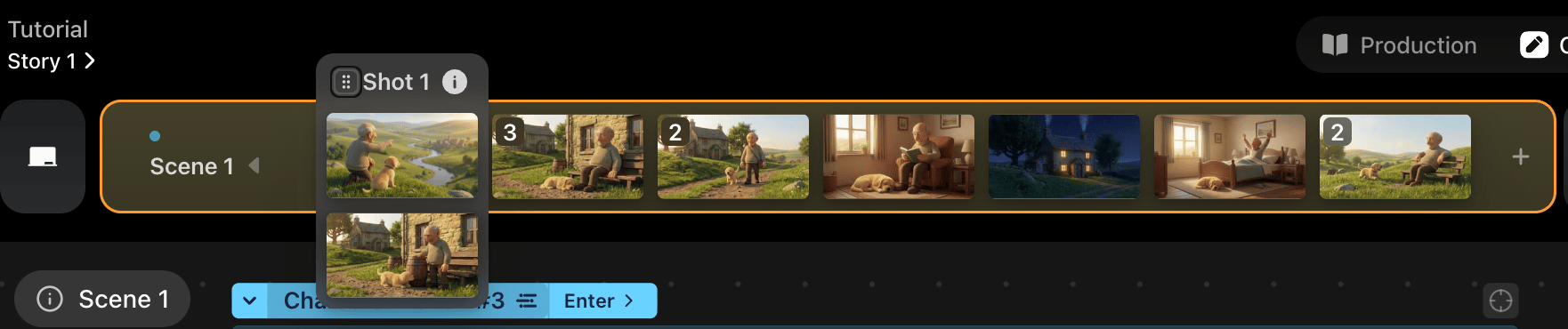
- Above the Scene Timeline you will see two options, Production and Canvas. In Production there are three different views - Shot List, Kanban, and Storyboard
Work with collaborators
Preview supports multiplayer editing on the canvas. You can follow another person’s cursor by clicking their avatar in the upper-right area of the screen, and you can also send short live text messages on the canvas by typing/ and then your message.
The canvas is best for ideation and visual exploration. Once a shot needs metadata, status, or assignment, move into the production views.
Next steps
- Go to Next take box to control where new generations land.
- Go to Generate images to learn the image workflow.
- Go to Generate videos to work with start and end frames.